Skip to content

PC Game Reviews Hub

mm Sarah Mitchell 8 min read

What Makes a PC Game Review Worth Reading

Quick Navigation

  • Separate design problems from performance problems in every review
  • Optimization is part of the product—shipping with hitching is shipping broken
  • Content only matters if the loop stays interesting past the honeymoon
  • Guides should reduce friction, not add jargon or waste your time
  • Industry news matters most when it changes what you can buy, play, or run
  • Storage upgrades are the stealth MVP for big libraries and patch-heavy live games

How We Approach Game Reviews

When we review games, we're looking at more than a score. Expect focused judgment across a handful of repeatable categories: moment-to-moment gameplay (the feel of combat, movement, or decision-making), progression (build variety, tech trees, party composition, economy balance), pacing (how often you're waiting versus playing), narrative delivery (writing plus how the game doles it out), and technical health (frametime stability, shader compilation behavior, crashes, and settings sanity).

If a title is brilliant but unstable, you'll see that trade-off stated without sugarcoating. A good review separates design problems from performance problems. Optimization is part of the product on PC—shipping with hitching is still shipping broken. Content only matters if the loop stays interesting past the honeymoon phase.

RPGs and strategy games deserve extra scrutiny, because their best moments usually arrive after the honeymoon. In an RPG, we're watching how often the game rewards experimentation versus punishes curiosity, and whether difficulty comes from smarter enemies or inflated HP bars. In a strategy game, we're watching AI competence, information clarity, and whether the systems stay readable when the map is crowded and the turn timer starts creeping.

On the what-should-I-play-next side, we keep the spotlight on a mix of big releases and sleeper hits, but we also track updates that change the value of a purchase—major patches, expansions, and performance overhauls. That's where industry news becomes player news: a new anti-cheat policy, a sudden region lock, a surprise DLC strategy shift, or an engine upgrade can matter more than a cinematic launch trailer.


PCIe 5.0 M.2 SSD with motherboard heatsink
A PCIe 5.0 M.2 SSD tucked under a motherboard heatsink, thermal pad perfectly aligned

Practical Gaming Guides That Work

Where enthusiasm turns into wins through settings that actually move the needle

Guides You Can Apply in Minutes

Guides are where enthusiasm turns into wins. We lean on settings that actually move the needle—upscaling choices, frame pacing fixes, shader precompile tips when supported, and control/UX tweaks that stop a great game from feeling like it's fighting you. A good guide should end with an outcome you can feel: fewer spikes, cleaner input, clearer readability in combat, or a UI that stops wasting your attention. Fourth, guides should reduce friction, not add jargon. Fifth, industry news matters most when it changes what you can buy, play, or run. Sixth, storage upgrades are the stealth MVP for big libraries and patch-heavy live games.

Top SSD Picks for Gaming

  • WD_BLACK SN850X: Best overall PCIe 4.0 gaming all-rounder, up to 7,300 MB/s reads
  • Samsung 990 PRO: Runner-up Gen4 pick, up to 7,450 MB/s reads, excellent responsiveness
  • CORSAIR MP700 PRO SE: Best PCIe 5.0 performance, up to 14,000 MB/s reads, demands good cooling
  • Crucial T705: Gen5 alternative, up to 14,500 MB/s reads, ideal for tweakers and builders
  • WD Blue SN580: Best value upgrade, up to 4,150 MB/s, perfect secondary library drive
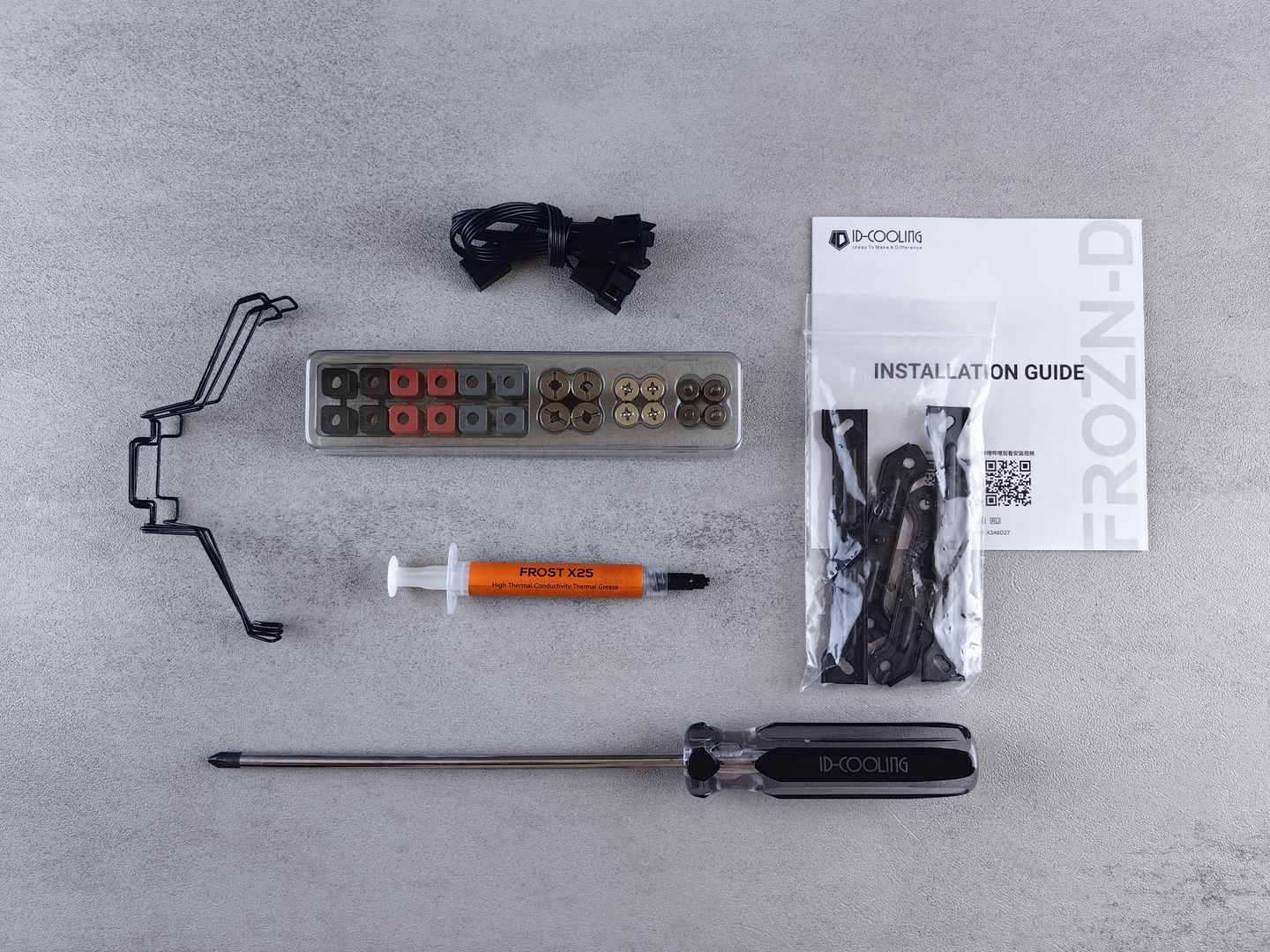
Flat lay of computer cooling hardware kit with installation guide and tools.

Installation doesn't have to be a weekend project. With a small Phillips screwdriver, your motherboard's M.2 screw (or latch), and a thermal pad/heatsink if your board includes one, most desktop upgrades are a 15–30 minute job. The clean five-step flow is: back up anything you can't replace, update BIOS/chipset storage drivers if needed, physically mount the drive and heatsink, initialize/format it in your OS (or clone if it's a boot drive), then move game libraries and set your launcher install paths so new downloads land on the new SSD.

The Three Lanes of PC Gaming

A hub isn't only verdicts. The modern PC experience is a three-lane highway: the games, the machine, and the ecosystem that ties them together.

The Games

Clear takes you can trust, focused judgment across moment-to-moment gameplay, progression systems, pacing, narrative delivery, and technical health. We separate design problems from performance problems and track updates that change the value of a purchase—major patches, expansions, and performance overhauls that matter more than launch trailers.

The Machine

Hardware recommendations that prioritize real-world play over brag-sheet benchmarks. From SSDs that make libraries smoother to cooling that keeps Gen5 drives stable, we focus on upgrades you'll actually feel: faster load times, fewer stutters, cleaner input, and systems that stay consistent under constant installs, reinstalls, and patch cycles.

The Ecosystem

Practical tuning advice and pc gaming guides you can apply in minutes. Upscaling choices, frame pacing fixes, shader precompile tips, and control tweaks that stop great games from feeling like they're fighting you. Plus industry news that changes what you can buy, play, or run—anti-cheat policies, region locks, DLC strategy shifts, and engine upgrades.

Real-World Gaming Scenarios

One practical scenario where this hub pays for itself: you install a massive live-service shooter, it drops a huge patch, and suddenly your old drive is full and your PC feels sluggish while it unpacks files. A roomy NVMe drive plus a short guide on moving libraries and taming background tasks can turn that experience from I'll play tomorrow into queue the download and keep gaming. That's the point of joining reviews, guides, and hardware into one loop.

If you're searching specifically for best ssd upgrades for gaming, think in terms of roles. A high-end Gen4 drive (like SN850X or 990 PRO) is a perfect primary game drive for most rigs. A value NVMe (like SN580) is fantastic as a secondary library drive. And Gen5 is a specialty pick: great when your platform supports it cleanly and you're willing to manage heat.

The north star is simple: play more, troubleshoot less, and spend money where it's actually felt. Use the reviews to dodge time-wasters, use the guides to stabilize performance and controls, and treat storage as a quality-of-life upgrade—because in 2026, the smoothest PC gaming setups aren't just about high framerates, they're about consistency.

Think in terms of roles when planning your storage: a fast primary drive for your OS and active rotation, a spacious secondary for your back catalog, and good cooling for anything Gen5. The system that works is the one that lets you install, patch, and play without friction—no waiting on unpacking, no juggling space, no thermal throttling mid-session.

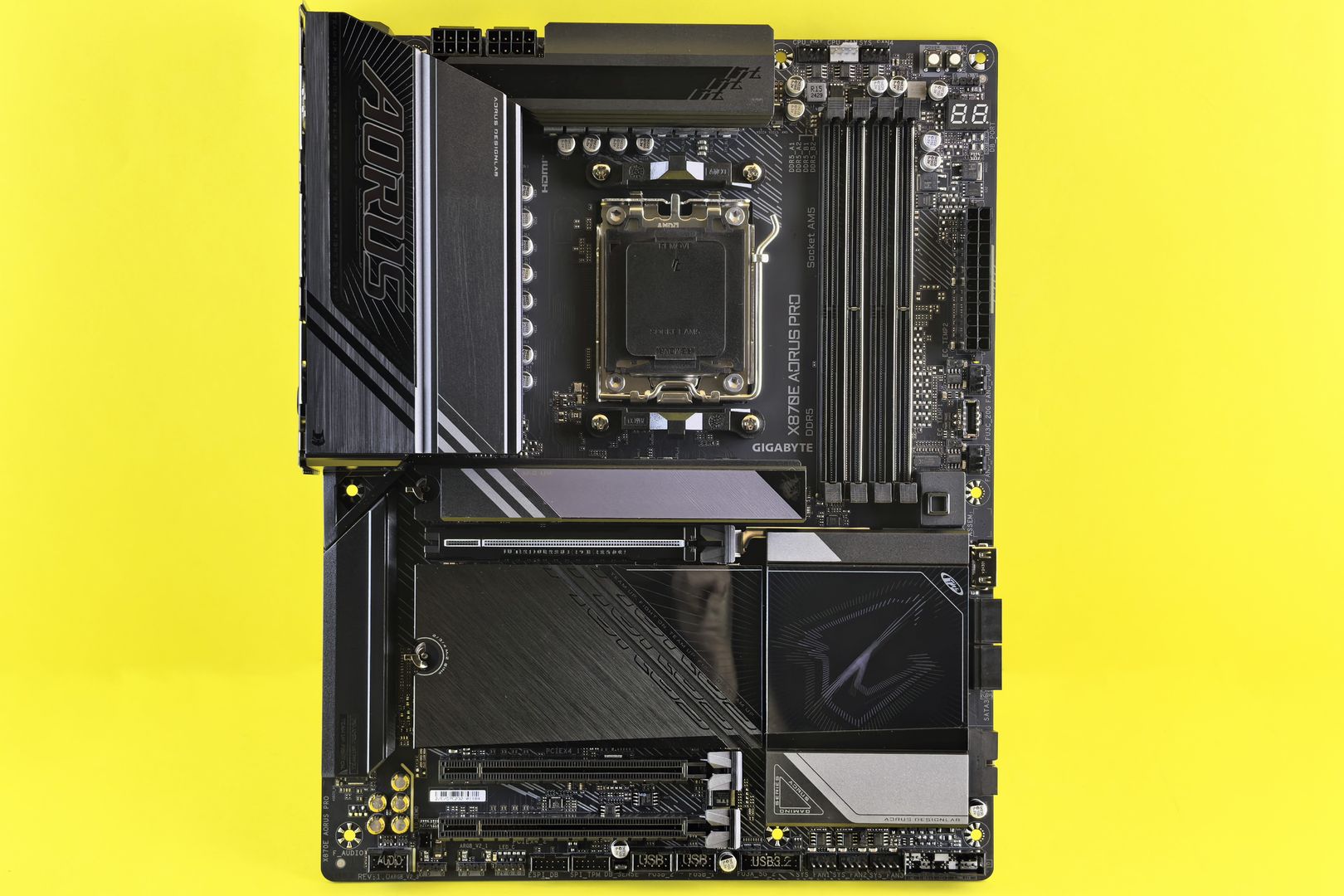
M.2 slot with heatsink on gaming motherboard
Modern M.2 slot with heatsink cover ready for Gen4 or Gen5 drive installation
mm

Sarah Mitchell

Editorial Team

Sarah specializes in RPG and strategy game reviews, bringing critical analysis and deep gameplay insights to GameFrame readers. Her background in game design gives her a unique perspective on mechanics and player experience.