Skip to content

Gaming Keyboards and Headsets

mm Sarah Mitchell 8 min read

Why Your Gear Matters More Than You Think

Reviewed by Sarah Mitchell Updated

At a Glance

  • Best Overall Wooting 60HE+ Adjustable actuation as low as 0.1 mm with Rapid Trigger-style behavior for fast counter-strafes and micro-movement wins.
  • Best Premium SteelSeries Arctis Nova Pro Wireless Hot-swap battery system rated at 22 hours per battery with base station workflow built for daily convenience.
  • Best Enthusiast Keychron Q1 HE Metal-case build with Hall effect rapid inputs and adjustable actuation from 0.2 to 3.8 mm for typing and gaming.
  • Best Value HyperX Cloud III Wireless Up to 120 hours of battery life over 2.4 GHz connection with effortless ownership and marathon-session comfort.

Key Takeaways

  • Hall effect keys can make movement inputs feel dramatically more responsive in competitive play.
  • For shooters, consistent actuation matters more than fancy macro ecosystems or RGB lighting.
  • Wireless headsets live or die by mic quality and comfort for long sessions.
  • Swappable batteries beat huge batteries if you game daily and want zero downtime.
  • A great headset won't fix bad in-game audio patch notes or poor sound design.
  • Don't ignore your chair and posture—gear can't compensate for bad ergonomics during marathon sessions.

The Reality Check Nobody Wants to Hear

Audio and movement meta are not static. A single major update can change footstep audibility, occlusion, or the way certain frequencies cut through chaos. If you've ever read patch notes that quietly mention adjusted footstep mix, you already know why two headsets can feel night-and-day different from one season to the next—even if the hardware didn't change.

Same story for keyboards. If a game tightens movement acceleration, tweaks counter-strafe timing, or shifts ability buffering, rapid reset behavior becomes more or less valuable. Hardware can't replace practice, but it can reduce the friction between what your brain intends and what your character does.

This is the part where most buying guides pretend your game's balance team doesn't exist. They do, and they ship patches that can turn your expensive gear into an over-optimized solution to yesterday's problem. The takeaway isn't to avoid buying gear—it's to buy gear that stays relevant when the meta shifts.

Consistent switches, stable wireless, stable mic—these fundamentals don't get nerfed by patch notes. Hyper-specific tuning profiles and feature stacks do. Keep that in mind when you're choosing between marketing bullets and actual daily reliability.

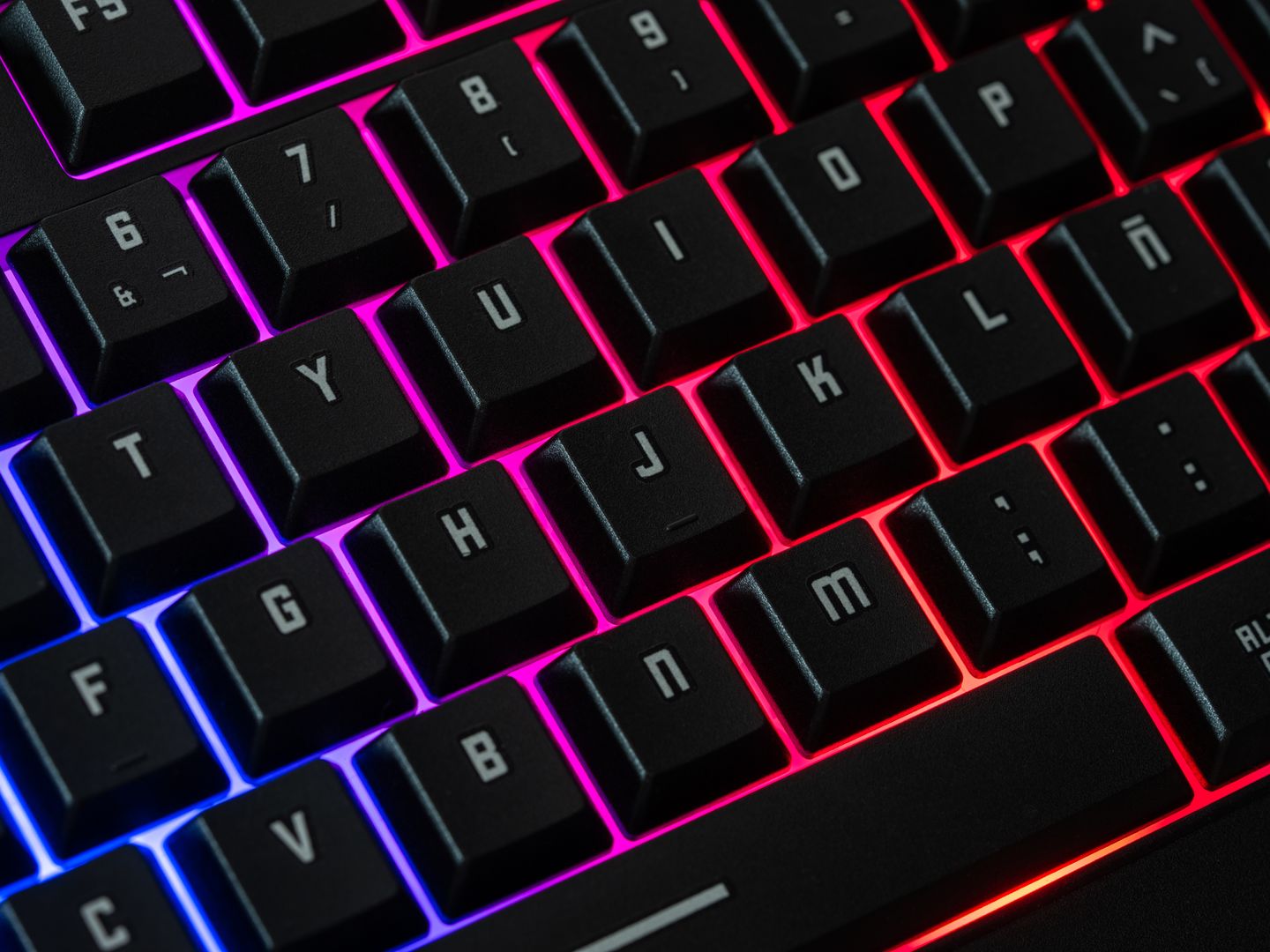
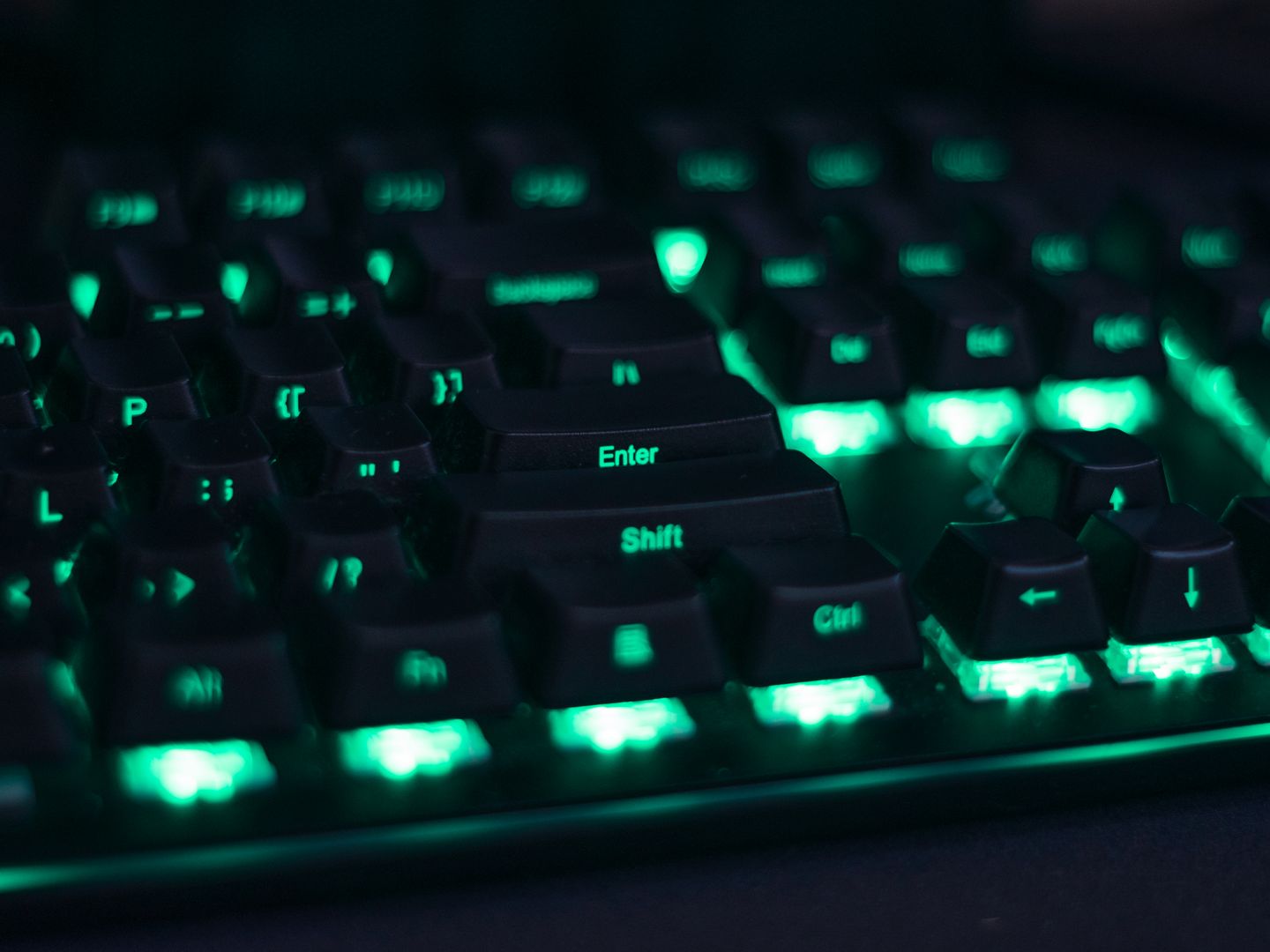
Gaming keyboard with Hall effect switches
Hall effect keyboards bring adjustable actuation to competitive movement

Ranked Picks (July 2026)

These are the four winners I'd point most PC players toward in 2026.

Wooting 60HE+

Wooting 60HE+

Best Overall

If your main game is a tac shooter or anything where micro-movement wins duels, this is still the cleanest upgrade. Wooting lets you set actuation as low as 0.1 mm and up to 4.0 mm.

  • Rapid Trigger-style behavior for fast counter-strafes
  • adjustable actuation down to 0.1 mm
  • real competitive edge in movement-heavy games
  • 60% layout isn't for everyone
  • software depth can turn into a rabbit hole if you keep tweaking
SteelSeries Arctis Nova Pro Wireless

SteelSeries Arctis Nova Pro Wireless

Best Premium

This is the headset I recommend when someone wants premium convenience without living on a charger. SteelSeries' hot-swap battery system is legitimately practical, rated at up to 22 hours per battery.

  • Hot-swap battery system eliminates downtime
  • flexible sound tuning
  • base station workflow built for daily use
  • Premium-priced ecosystem
  • you're paying for the whole platform, not just drivers
Keychron Q1 HE

Keychron Q1 HE

Best Enthusiast

Keychron's Q1 HE is a great reminder that the Hall effect wave isn't just for esports-branded boards. You get 0.1 mm sensitivity with adjustable actuation from 0.2 to 3.8 mm, plus enthusiast build quality.

  • Metal-case enthusiast build
  • modern rapid inputs with premium typing feel
  • adjustable actuation from 0.2 to 3.8 mm
  • Not portable
  • heavy chassis isn't the keyboard you toss in a backpack every weekend
HyperX Cloud III Wireless

HyperX Cloud III Wireless

Best Value

When people ask for wireless that just works, I care about two things: comfort and not thinking about battery. HyperX rates the Cloud III Wireless at up to 120 hours of battery life over 2.4 GHz.

  • Up to 120 hours of battery life
  • effortless ownership
  • days of play for most people
  • wireless that just works
  • Not a feature-flexing flagship
  • no ANC, multi-device wizardry, or audiophile tuning
Razer Huntsman V3 Pro 8KHz

Razer Huntsman V3 Pro 8KHz

Best for Tuners

Razer's analog optical approach targets the same competitive instincts as Hall effect boards, with adjustable actuation across a 0.1 mm to 4.0 mm travel range. The 8,000 Hz polling angle is for players who want every input pipeline bullet point checked.

  • Adjustable actuation from 0.1 to 4.0 mm
  • 8,000 Hz polling for input pipeline enthusiasts
  • analog optical switches
  • High cost and complexity
  • easy to over-optimize yourself into inconsistent muscle memory
  • requires tuning to get value
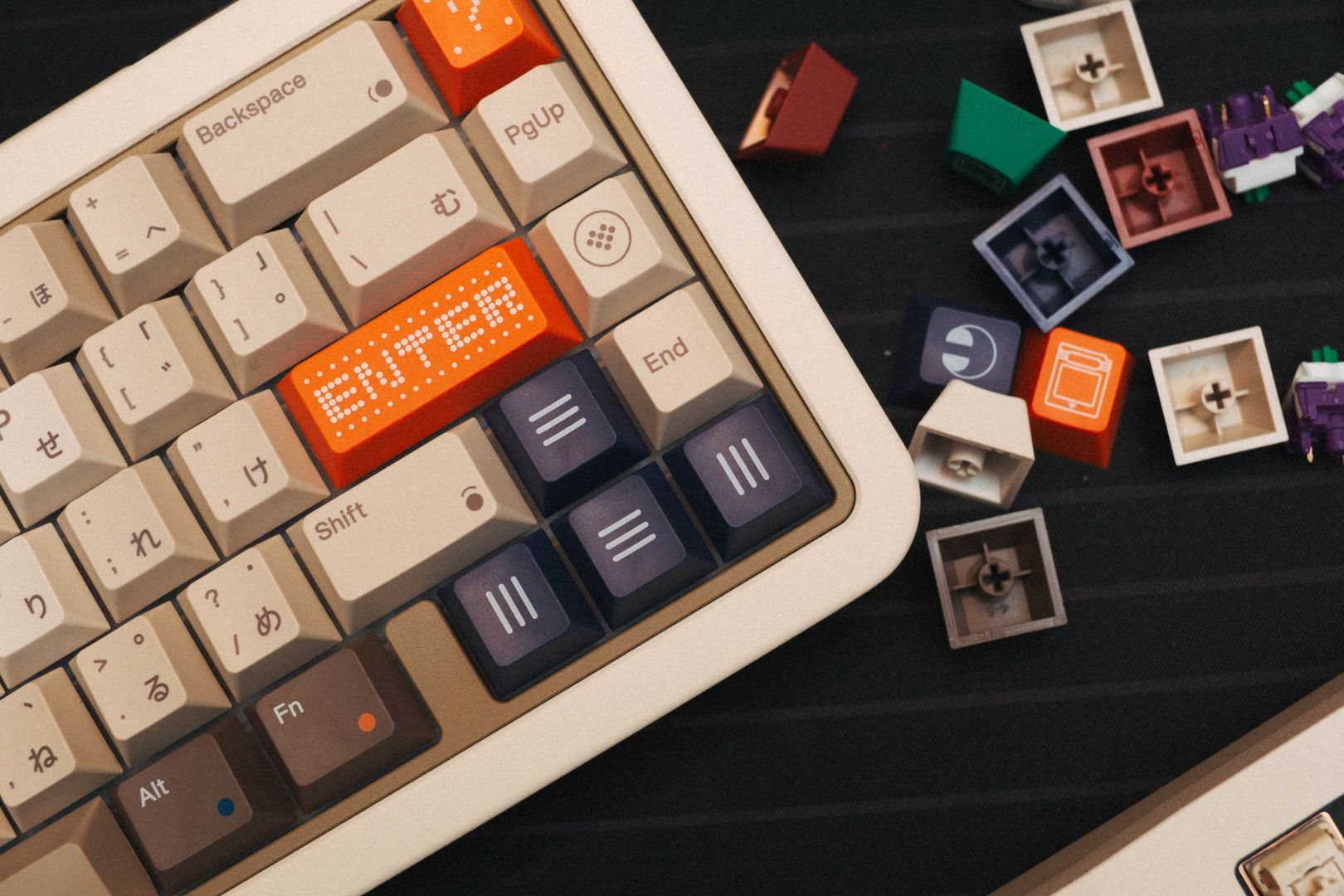
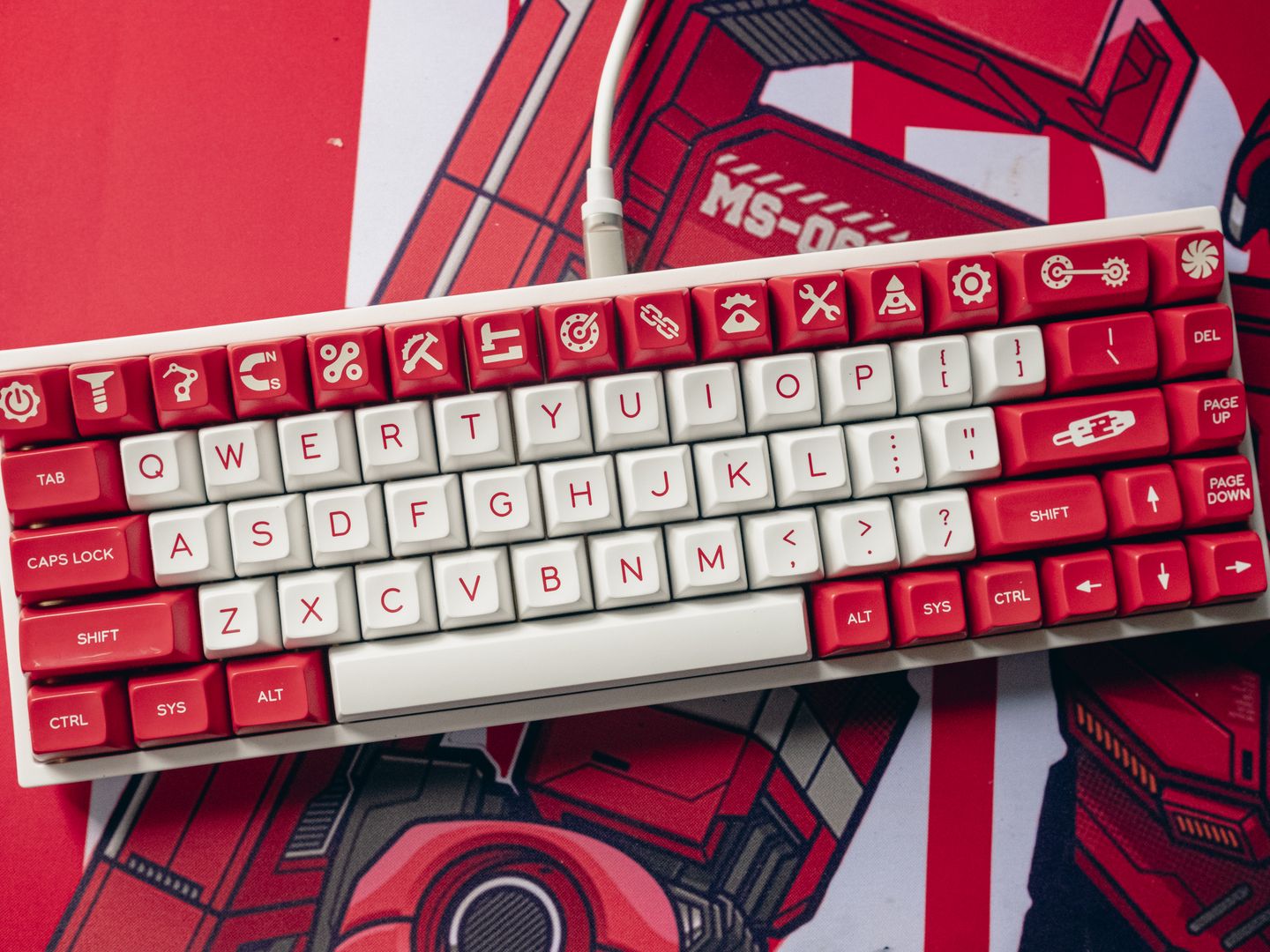
Aesthetic top view of a custom mechanical keyboard with unique red and white keycaps.

First, decide whether you're optimizing for competition, comfort, or content creation. Competitive players should prioritize switch consistency and fast reset behavior; creators should prioritize mic clarity and monitoring; everyone else should prioritize comfort and reliability. Second, pick your switch philosophy. Traditional mechanical switches are straightforward and satisfying; Hall effect or analog optical switches add adjustable actuation and fast reset behavior that can benefit movement-heavy games. The caveat is that more adjustability means more chances to set something too sensitive and accidentally sabotage yourself.

A Practical Buying Flow

Five concrete steps to help you choose gaming keyboards and headsets without getting lost in marketing

Five Steps to Smart Gear Decisions

Third, choose layout based on your actual desk life. A 60% board frees mouse space; a TKL keeps arrows and function access; full-size is still nice if you use the numpad daily. If you edit video, work in spreadsheets, or play a lot of RPGs with keybind sprawl, smaller isn't automatically better.

Fourth, treat wireless like a feature with responsibilities. For headsets, 2.4 GHz dongles are usually the low-latency play; Bluetooth is convenience. For keyboards, reliable 2.4 GHz can be great, but wired is still the nothing to troubleshoot on game night option.

Fifth, decide how much software you're willing to tolerate. Some players love profiles and per-game EQ; others want set-and-forget. If you already hate driver popups, don't buy into a setup that requires constant tinkering to feel right.

Picture a weeknight ranked session: you launch your shooter, Discord is active, and you're trying to play seriously without turning your room into a cable nest. A Hall effect keyboard with a sensible actuation setting (not necessarily the lowest) can make strafing corrections feel cleaner. Pair that with a headset whose mic doesn't crumble when teammates overlap, and your comms stop being a liability.

Now add the real-world factor: you play for three hours, your shoulders tense up, and suddenly your aim is worse than your gear ever was. That's where non-sexy purchases like gaming chairs and simple ergonomics matter. You don't need a throne, but you do need a seat that lets you sit neutral, keeps your forearms supported, and doesn't force your neck forward under headset clamp pressure.


Honest Trade-offs You Should Know

Pros

  • Adjustable actuation and rapid reset can make movement and repeated inputs feel more responsive
  • Top boards are built to take daily abuse with consistent switch performance
  • Low-latency wireless headsets offer daily convenience with strong monitoring features
  • Comfort you can forget about during long sessions is a genuine competitive advantage

Cons

  • Highly tunable keyboards can lure you into constant setting changes that wreck consistency
  • Premium wireless headsets can be expensive with more firmware and software to babysit
  • Bad mixes or disruptive balance changes from patch notes can make your audio feel off
  • Feature-rich sometimes means more complexity than daily reliability

Find Your Perfect Match

Answer two quick questions to see which option suits your playstyle and priorities.

What's your main gaming priority?
Which matters more to you?

All Options Are Great

  • Wooting 60HE+

    You want the cleanest competitive upgrade for movement-heavy games. Rapid Trigger-style behavior and adjustable actuation down to 0.1 mm make micro-movement feel instant.

  • SteelSeries Arctis Nova Pro Wireless

    You want premium convenience without living on a charger. Hot-swap battery system and flexible sound tuning give you daily comfort with strong audio.

  • Keychron Q1 HE

    You want enthusiast build quality with modern rapid inputs. Metal-case construction and Hall effect switches give you premium typing feel and gaming performance.

  • HyperX Cloud III Wireless

    You want wireless that just works with marathon-session comfort. Up to 120 hours of battery life means days of play without thinking about charging.

Final Word

If you're chasing the biggest competitive feel upgrade in 2026, start with a Hall effect keyboard—specifically the Wooting 60HE+ if you're comfortable with a 60% layout. If you want a premium headset that suits daily PC use without turning charging into a ritual, the Arctis Nova Pro Wireless remains the most complete ownership experience, while the HyperX Cloud III Wireless is the easy value pick for players who just want dependable wireless, comfort, and a battery that refuses to die.

View All Guides
Disclosure This site may earn a commission from links at no extra cost to you. All recommendations are based on testing and real-world use. Prices and availability are subject to change.

Where I Land After Testing This Gear

My practical recommendation: buy the option that matches your habits, not your hype. Set your keyboard once, keep your headset EQ simple, and spend the saved mental energy where it actually counts—learning the map, adapting to patch notes, and staying comfortable enough to keep your mechanics consistent deep into a long session. The upside of modern competitive keyboards is obvious: adjustable actuation and rapid reset behavior can make movement and repeated inputs feel more responsive, and top boards are built to take daily abuse. The upside of premium gaming headsets is daily convenience: low-latency wireless, strong monitoring features, and comfort you can forget about. The downsides are just as real. Highly tunable keyboards can lure you into constant setting changes that wreck consistency. Premium wireless headsets can be expensive, and feature-rich sometimes means more firmware and software to babysit. And no matter what you buy, bad mixes or disruptive balance changes from patch notes can make your audio feel off until you retune.