Skip to content

Steam Hardware and SteamOS

mm Alex Torres 8 min read

SteamOS in 2026: The Real Deal

The SteamOS Platform Today

Valve's own SteamOS page lists the officially Powered by SteamOS devices as Steam Deck, Steam Machine, and Lenovo Legion Go S. It's paired with the same core promise: your Steam library, cloud saves, chat, recording, and the whole platform experience—built around a controller-first UI that doesn't make you wrestle a desktop every time you just want to play.

If you want the baseline for what SteamOS is tuned around, it's still Steam Deck OLED. The official spec sheet reads like a deliberate set of constraints: a 7.4-inch 1280×800 HDR OLED panel up to 90Hz, a 50Whr battery rated for 3–12 hours depending on content, a 6nm AMD APU limited to 4–15W, and 16GB of LPDDR5 at 6400 MT/s.

The price story is the gut check in mid-2026. Valve raised Steam Deck OLED pricing on May 27, 2026, with the 512GB model moving to $789 and the 1TB model to $949. That jump changes the value math: Steam Deck OLED is still one of the most coherent handheld experiences you can buy, but it's no longer the impulse purchase it felt like in earlier years.

This is where SteamOS vs Windows 11 benchmarks stop being a forum argument and start being budget math. On the new Steam Machine hardware, recent coverage of third-party testing shows SteamOS and Windows 11 landing within a few frames per second of each other in many games, meaning you're often choosing an operating system ecosystem more than chasing a dramatic performance gap.

For handhelds, the pattern is messier: SteamOS can feel faster and smoother when the whole stack is tuned for a unified-memory APU and quick suspend/resume, while Windows 11 can claw back ground with the right drivers and settings—at the cost of more fiddling and more background overhead.

The biggest SteamOS win in 2026 isn't a single benchmark chart—it's consistency. SteamOS 3.8 is now a real platform cadence, and as of July 24, 2026 the latest stable release line includes SteamOS 3.8.16 released July 16, 2026, with rapid follow-up fixes when regressions slip through. That pace matters because the SteamOS advantage is as much about frame pacing and sleep/wake reliability as it is about raw FPS.

On the living-room side, Steam Machine is the cleanest plug it in and go way to do SteamOS on a TV. Valve's own Steamworks documentation describes Steam Machine as using a discrete semi-custom AMD desktop-class CPU and GPU and being roughly six times more powerful than Steam Deck, which is exactly what you want when your target is 1080p-to-4K rendering rather than 800p.

The obvious drawback is price: one June 2026 review example cited a 2TB bundle that included a Steam Controller and came out to $1,428 in the US. That's a premium product for couch gaming, not an entry-level box.

Key Takeaways

  • SteamOS now officially powers Steam Deck, Steam Machine, and Lenovo Legion Go S with unified library and cloud saves
  • Steam Deck OLED pricing increased May 2026: 512GB to $789, 1TB to $949
  • SteamOS vs Windows 11 benchmarks show within a few FPS on many games; consistency and suspend/resume favor SteamOS
  • Steam Machine is roughly 6× more powerful than Steam Deck for TV gaming but costs $1,428 for 2TB bundle
  • SteamOS 3.8 available for download lets you turn compatible PCs into DIY Steam Machines
  • New Steam Controller launched May 4, 2026 with official CAD files for modding community

Picking Your SteamOS Lane

Whether you want a couch box, a handheld, or a DIY build, each path has its own win condition and trade-offs worth understanding before you commit

The Three Paths to SteamOS

The 2026 conversation really has three lanes, and you should pick your lane first: couch box, handheld, or I'll build it myself. Each lane has its own win condition. The couch box is about stable framerates at TV distance and frictionless input. The handheld lane is about battery life, thermals, and suspend/resume. The DIY lane is about flexibility—especially if you want to keep your existing PC parts and still land on a SteamOS-like daily driver. That last option is the sleeper hit of 2026, because Valve has finally leaned into letting SteamOS live beyond Valve-branded hardware. A June 24, 2026 report noted that SteamOS 3.8 became available to download for broader hardware configurations, effectively letting you turn a compatible PC into your own Steam Machine. That's a big deal if you already own a capable desktop and want the SteamOS front end in the living room without buying a whole new system.

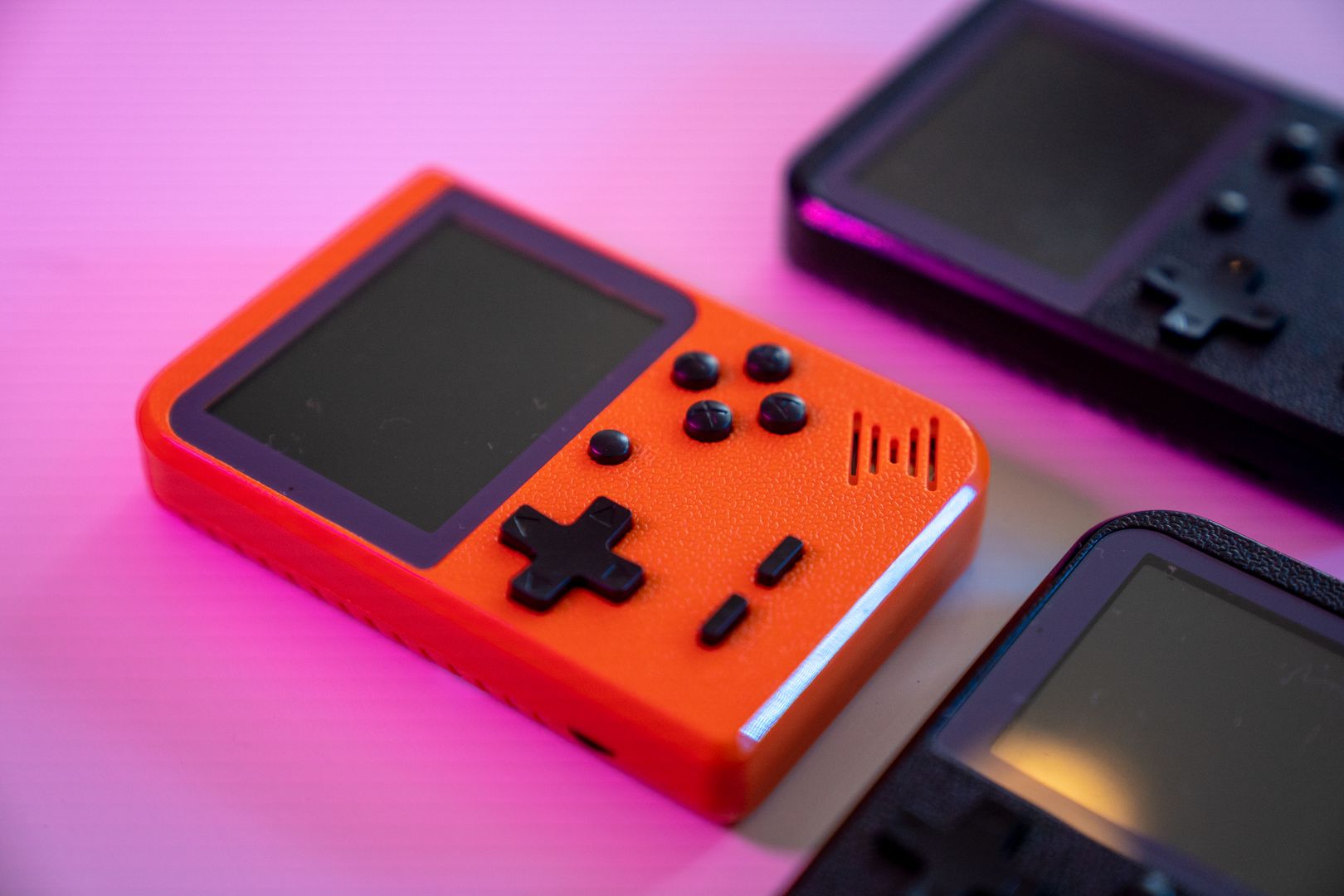
Steam Deck OLED handheld gaming device
Steam Deck OLED with 90Hz HDR display and trackpad controls

Hardware Comparison at a Glance

Each form factor delivers the same SteamOS platform but optimized for a different use case. Here's how the three official paths stack up in practice.

Steam Deck OLED

The handheld baseline: 7.4-inch 1280×800 HDR OLED up to 90Hz, 50Whr battery rated 3–12 hours, 6nm AMD APU at 4–15W, 16GB LPDDR5. Weighs 640 grams with Wi-Fi 6E and Bluetooth 5.3. Now priced $789 for 512GB, $949 for 1TB after May 2026 increase. Still the most native SteamOS handheld experience with instant suspend/resume and trackpad plus gyro input. Best for portable play and travel where battery life and form factor matter more than peak performance.

Steam Machine

The living-room powerhouse: discrete semi-custom AMD desktop CPU and GPU, roughly six times more powerful than Steam Deck per official Steamworks docs. Built for 1080p-to-4K TV rendering with stable framerates. Plug-it-in-and-go simplicity but premium pricing—$1,428 for 2TB bundle with Steam Controller in June 2026 review. No tinkering required, no driver hunts, just SteamOS tuned for couch gaming. Best for users who want a console-like experience on the big screen without building their own rig.

DIY SteamOS Build

The tinkerer's path: download SteamOS 3.8 and install on your own compatible PC or small-form-factor build. Keep existing GPU and SSD, add the SteamOS front end. Maximum flexibility for hardware choices and upgrade cycles. Requires comfort with installation and occasional driver tweaking, but lets you spend budget on components rather than branded enclosures. Best for enthusiasts who already own capable hardware and want SteamOS in the living room or as a dual-boot option without buying new boxes.

Performance and Platform Stability

Benchmarks show SteamOS and Windows 11 within a few frames per second in many games, but the real advantage is consistency and suspend/resume reliability over raw peak FPS

Handheld Performance in Practice

Handheld gaming PC performance tests are where the platform's cracks and strengths show up fastest. Here's a concrete scenario: you're traveling, you've got two hours to kill, and you want a game you can pause instantly when boarding starts. SteamOS on Steam Deck OLED nails that rhythm: sleep, wake, resume, no drama.

Windows 11 handhelds can absolutely brute-force higher peak performance with higher wattage and newer chips, but if you value the always-ready cadence, SteamOS is still the one that feels like it was designed for humans, not IT tickets. The frame pacing and the sleep/wake reliability matter more in daily use than a benchmark chart with one game hitting 5 FPS higher on Windows.

For competitive play, the stress test is different. Esports players don't care about vibes—they care about reliability and rules. Counter-Strike is the cleanest example: Valve-sponsored Majors have a $1,250,000 prize pool, which is exactly why players obsess over consistency, latency, and zero surprises on match day.

SteamOS can be great for practice rigs and travel setups, but if your specific tournament ecosystem mandates Windows-only anti-cheat tooling, that's not an ideological debate—it's a requirements document. Even the patch cadence of other esports staples should influence your OS choice.

Riot's League of Legends patch 26.14 notes landed in mid-July 2026, with related seasonal content timing called out around July 15, 2026. If you're the kind of player who logs in on patch day, tests a new build, and streams scrims the same night, you want the platform that gives you the least friction and the fastest game is updated, drivers are fine, let's go.

SteamOS is improving fast, but Windows 11 still holds the broadest default support footprint for certain competitive pipelines. The decision is finally less about ideology and more about your personal tolerance for setup work. If you want the smoothest day-to-day gaming flow, SteamOS on Steam Deck OLED portable or Steam Machine couch is hard to beat.

If you need maximum compatibility for every launcher, every peripheral, and every competitive requirement, Windows 11 still earns its place—just understand you're paying for that flexibility with time. The practical takeaway: match the platform to your most common session type.

Where does that leave the Steam hardware stack in July 2026? SteamOS has matured into a legitimate choice across form factors. Pick the platform that matches your average night, not the edge case you worry about once a year.


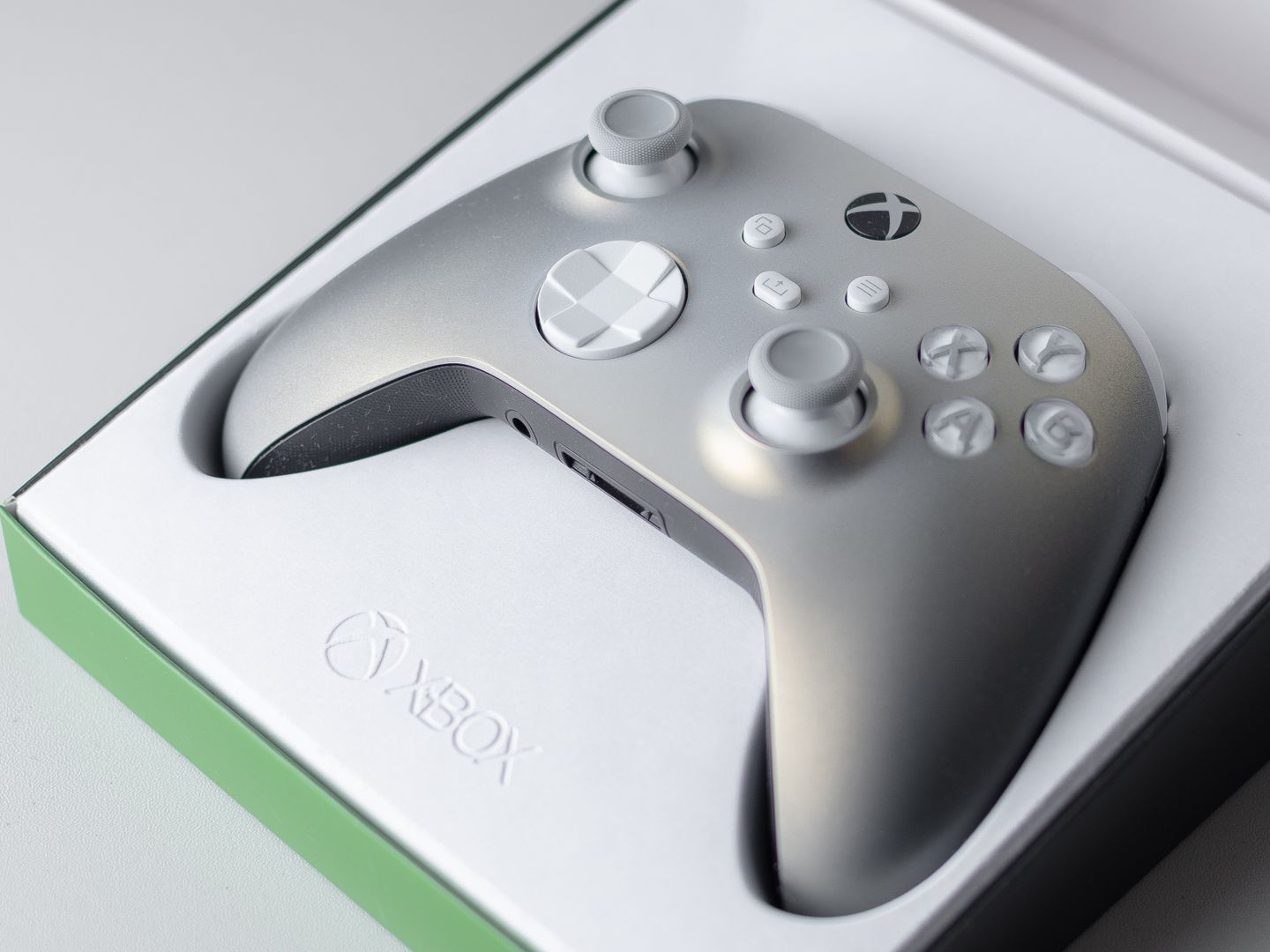
A high quality close up of an Xbox game controller in its packaging box, ready for gaming.

The original Steam Controller hardware page lists a release date of November 10, 2015. Fast-forward to 2026: Valve launched a new Steam Controller on May 4, 2026, and then published official CAD files for the controller shell and its puck shortly after—catnip for the modding crowd and a rare move that signals Valve is serious about third-party accessories.

Shopping Checklist Essentials

  • Game compatibility for titles you actually play, especially anti-cheat systems
  • Tolerance for driver setup and UI friction—SteamOS wins on simplicity
  • Suspend/resume reliability—built into SteamOS, varies on Windows 11
  • Display target: handheld 800p/90Hz vs TV 4K/120Hz goals
  • Storage strategy: internal SSD size plus microSD expansion
  • Input preference: trackpads and gyro vs stick-only controllers
  • Network stability: Wi-Fi 6E support and router compatibility
  • Update cadence: stable channel vs beta experimentation comfort

The Bottom Line for 2026

So where does that leave the Steam hardware stack in July 2026? SteamOS has matured into a legitimate choice across form factors, and the decision is finally less about ideology and more about your personal tolerance for setup work and your actual gaming habits on a typical weeknight.

If you want the smoothest day-to-day gaming flow, SteamOS on Steam Deck OLED for portable or Steam Machine for the couch is hard to beat. The consistency, the suspend/resume reliability, and the controller-first UI deliver a console-like experience without the compromises consoles force on you.

If you need maximum compatibility for every launcher, every peripheral, and every competitive requirement, Windows 11 still earns its place—just understand you're paying for that flexibility with time. Driver hunts, background overhead, and occasional sleep/wake quirks are the trade-off for broadest software support.

The DIY path with SteamOS 3.8 on your own PC is the sleeper winner if you already own capable hardware. You get the SteamOS front end without buying a new box, and you keep the flexibility to upgrade components or dual-boot when you need Windows for specific titles.

The practical takeaway: pick the platform that matches your most common night. If your average session is a quick handheld resume or a living-room sprint through your backlog, SteamOS is the straight line. No wrestling with desktops, no driver hunts, just power on and play.

If your average session is a competitive grind where one unsupported edge case can waste a whole evening, treat SteamOS as the second install—not the primary—until your must-play list is fully comfortable there. The ecosystem is improving fast, but tournament-grade anti-cheat and day-one patches still tilt toward Windows in some corners.

Either way, the Steam hardware and SteamOS story in 2026 is no longer about faith or early adoption. It's a real platform with real trade-offs, and you can finally make an informed choice based on your own gaming patterns rather than hype or skepticism.

Whether you pick a Steam Deck OLED at $789, a Steam Machine at $1,428, or a DIY install of SteamOS 3.8 on your existing rig, you're choosing a mature platform that delivers on the promise of console-like simplicity without locking you out of your PC library.

mm

Alex Torres

Hardware Editor

Alex covers the global esports scene with particular expertise in competitive FPS and MOBA tournaments. They bring exclusive interviews and behind-the-scenes coverage from major gaming events worldwide.