Skip to content

Best Gaming PC Builds

mm Sarah Mitchell 10 min read

Build Smart, Not Expensive

Reviewed by Sarah Mitchell Updated

Top Picks at a Glance

  • Best Overall Ryzen 7 9800X3D + RTX 5080 Premium 4K capability, excellent CPU-heavy game feel, strong headroom for future GPUs.
  • Best Value Ryzen 7 9800X3D + RX 9070 XT Excellent price-to-performance in rasterized games, 16GB VRAM helps with high-res textures and longevity.
  • Best Hybrid Core Ultra 9 285K + RTX 5070 Ti Strong all-around system for mixed workloads, great for multitasking and capture scenarios.
  • Best Budget Ryzen 5 9600X + RX 9060 XT (16GB) Strong 1080p and capable 1440p, 16GB VRAM avoids texture regret without breaking the bank.

Key Takeaways

  • The GPU is still the main performance anchor, but VRAM and feature sets now affect whether max settings is practical.
  • AMD's AM5 boards with X870E/X870 chipsets offer modern connectivity like PCIe 5.0 and USB4 with a straightforward upgrade runway.
  • The Ryzen 7 9800X3D + RTX 5080 is the no-regrets flagship for high-refresh 1440p and legitimately comfortable 4K.
  • The RX 9070 XT is a strong 4K-class card with 16GB VRAM that rewards players who tune settings per game.
  • Budget builds in 2026 live or die by VRAM and sensible CPU pairing—16GB VRAM helps avoid texture regret.
  • Stability is the most underrated performance feature: buy the quietest, most reliable PSU and case you can justify.

Why Parts Matter More Than Ever

A best gaming PC doesn't happen by accident in 2026—parts are faster, fussier, and more segmented than ever. The good news is if you pick the right platform and put budget where frames actually come from, you can build a rig that feels new for years, not months. The trick is refusing to overspend on bragging rights while still buying the features that matter right now: strong 1% lows so RPG towns don't stutter, enough VRAM for modern texture packs, and an upgrade path that doesn't dead-end.

A quick reality check on what's actually time-sensitive in July 2026: the GPU is still the main performance anchor, but VRAM and feature sets like DLSS 4/4.5 on GeForce RTX 50-series and current AMD upscaling/frame-gen support on RDNA 4 cards like RX 9070 series now affect whether max settings is practical or just a menu option you click once and regret. Also, platform matters: AMD's AM5 boards with X870E/X870 chipsets are popular for modern connectivity like PCIe 5.0 and USB4, while Intel's Arrow Lake desktop platform remains a serious option if you care about throughput-heavy work alongside gaming.

These picks are real-world PC buying guide builds, not fantasy carts: each one has a clear target, a sensible bottleneck, and a reason to exist. Before the ranked list, here's the fastest shortlist you can act on: best overall for high-refresh 1440p and confident 4K is Ryzen 7 9800X3D + GeForce RTX 5080. Best value if you want 4K without going all-in on the top NVIDIA stack is Ryzen 7 9800X3D + Radeon RX 9070 XT. Best do-everything creator/gamer platform is Intel Core Ultra 9 285K + GeForce RTX 5070 Ti.


Gaming PC components on workbench
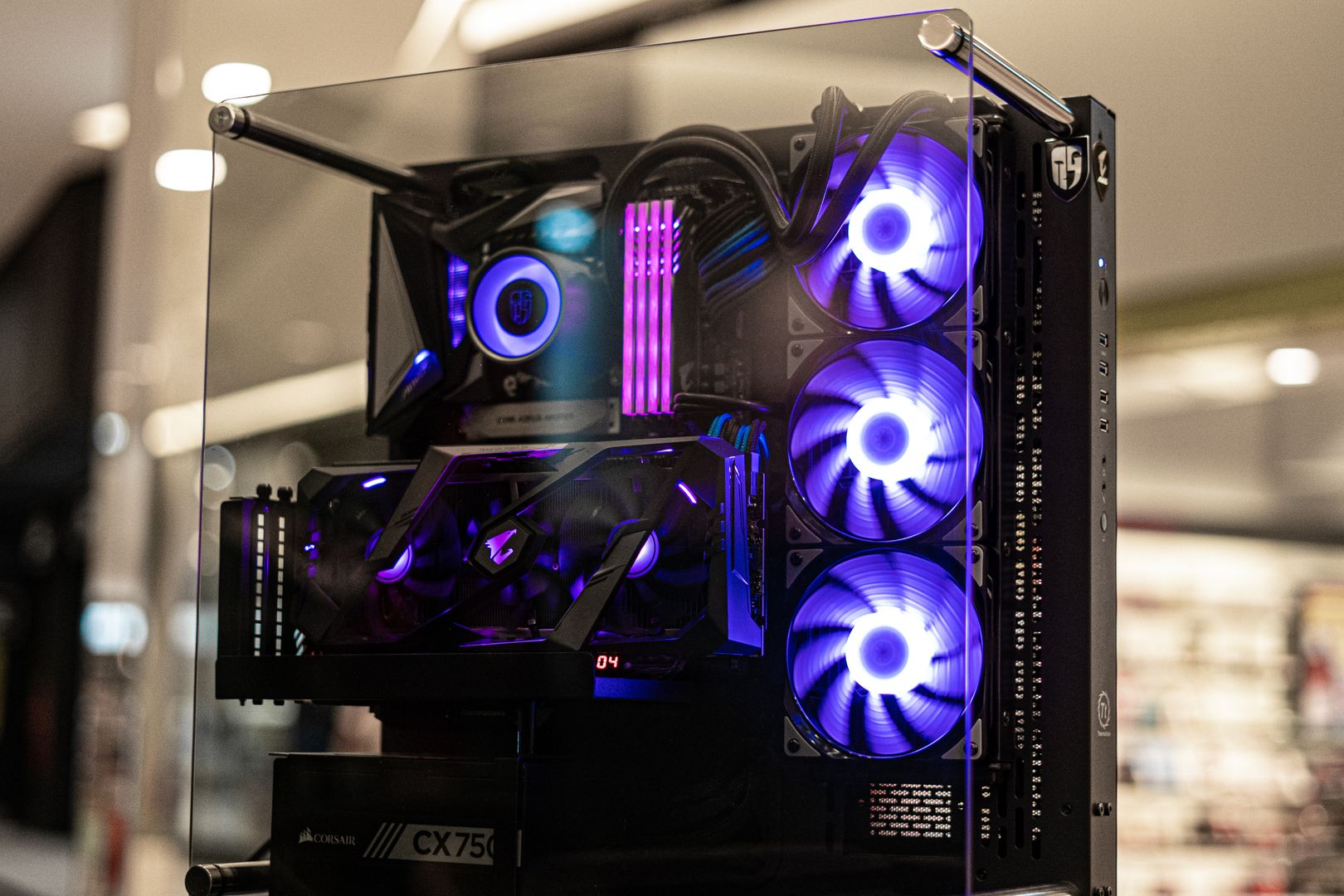
Modern gaming PC components arranged for a performance build

Best Gaming PC Builds for 2026

Five builds in order, each with the core parts that define it and the trade-offs you're signing up for.

Ryzen 7 9800X3D + RTX 5080

Ryzen 7 9800X3D + RTX 5080

Best Overall

The no-regrets answer for high-refresh 1440p and legitimately comfortable 4K with strong headroom for future GPUs.

4.8/5
  • Premium 4K capability
  • excellent feel in CPU-heavy games
  • strong headroom for future GPUs
  • ray tracing is playable without forcing compromises
  • Substantial cost
  • RTX 5080 power and case airflow requirements are real
  • paying for performance you won't notice at 1080p
Ryzen 7 9800X3D + RX 9070 XT

Ryzen 7 9800X3D + RX 9070 XT

Best Value

Excellent price-to-performance feel in rasterized games with 16GB VRAM that helps with high-res textures and longevity.

4.6/5
  • Excellent price-to-performance in rasterized games
  • 16GB VRAM helps with high-res textures and longevity
  • compelling alternative when you don't want ecosystem lock-in
  • Ray tracing performance more situational depending on title
  • you'll want to be comfortable tuning settings rather than blindly selecting Ultra
Core Ultra 9 285K + RTX 5070 Ti

Core Ultra 9 285K + RTX 5070 Ti

Best Hybrid

Strong all-around system for mixed workloads that's excellent for streaming, video work, 3D tasks, and serious gaming.

4.5/5
  • Strong all-around system for mixed workloads
  • NVIDIA creator-side software ecosystem remains practical
  • great for multitasking and capture/encode scenarios
  • Higher platform complexity and power planning
  • easy to overspend on motherboard features you'll never use
  • gaming gains versus top X3D choices can be smaller
Ryzen 5 9600X + RX 9060 XT (16GB)

Ryzen 5 9600X + RX 9060 XT (16GB)

Best Budget

Modern efficient baseline with 16GB VRAM that can age gracefully, especially in games that love to spill past 8GB.

4.4/5
  • Strong 1080p and capable 1440p experience
  • 16GB VRAM helps avoid texture regret
  • generally efficient power behavior on GPU side
  • Not buying maxed-out ray tracing
  • build is about smart compromises, not brute-force settings
Ryzen 7 9700X + RTX 5070

Ryzen 7 9700X + RTX 5070

Best Compact

High-end feel in a smaller footprint that stays fast while staying civilized, great for shared spaces.

4.3/5
  • High-end feel in smaller footprint
  • great for shared spaces
  • easier to keep stable and dust-managed long-term
  • powerful enough for 1440p high-refresh
  • SFF tax is real—cases, PSUs, coolers cost more
  • GPU selection more constrained by dimensions and thermals
  • upgrades require more planning
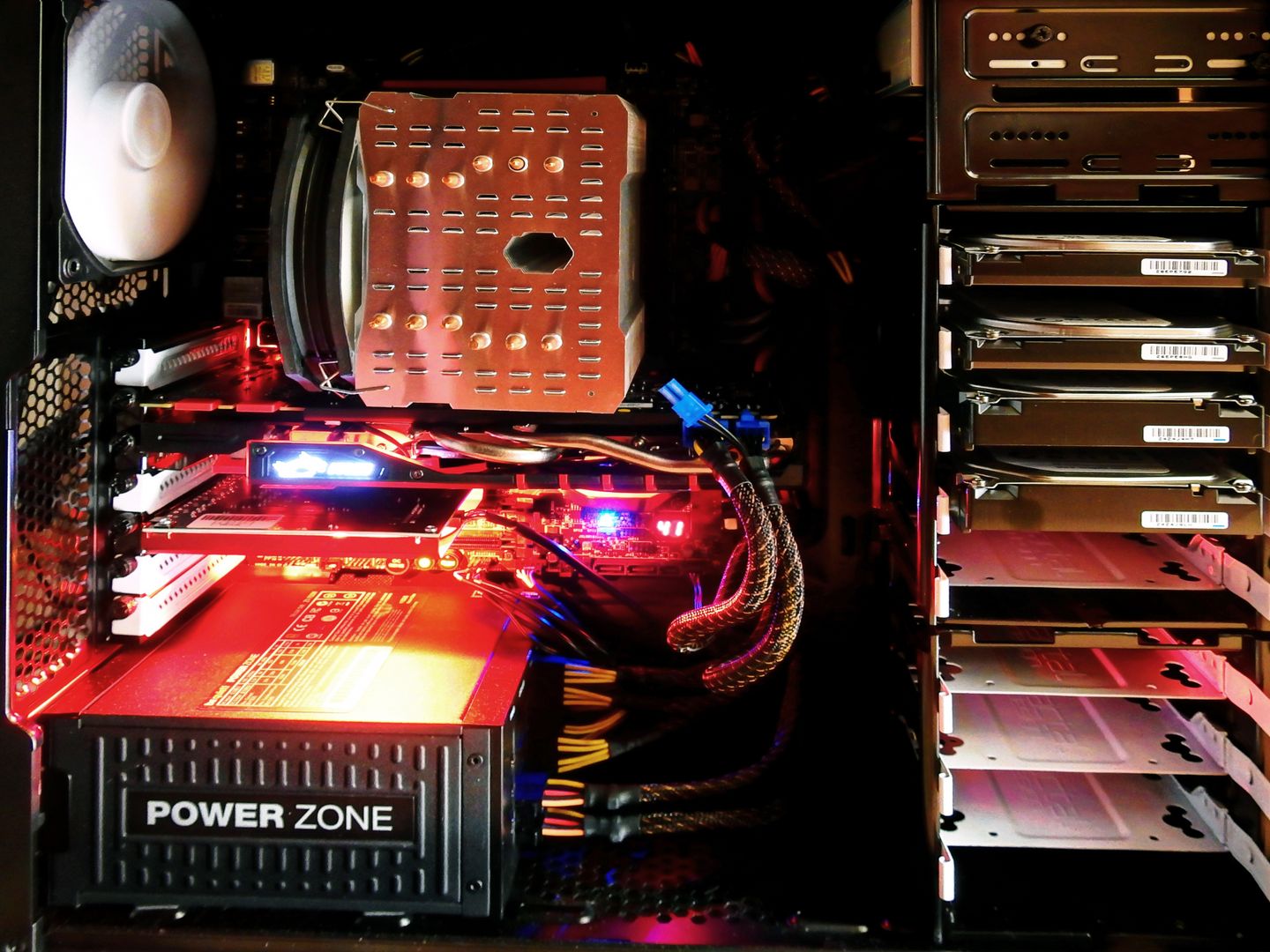
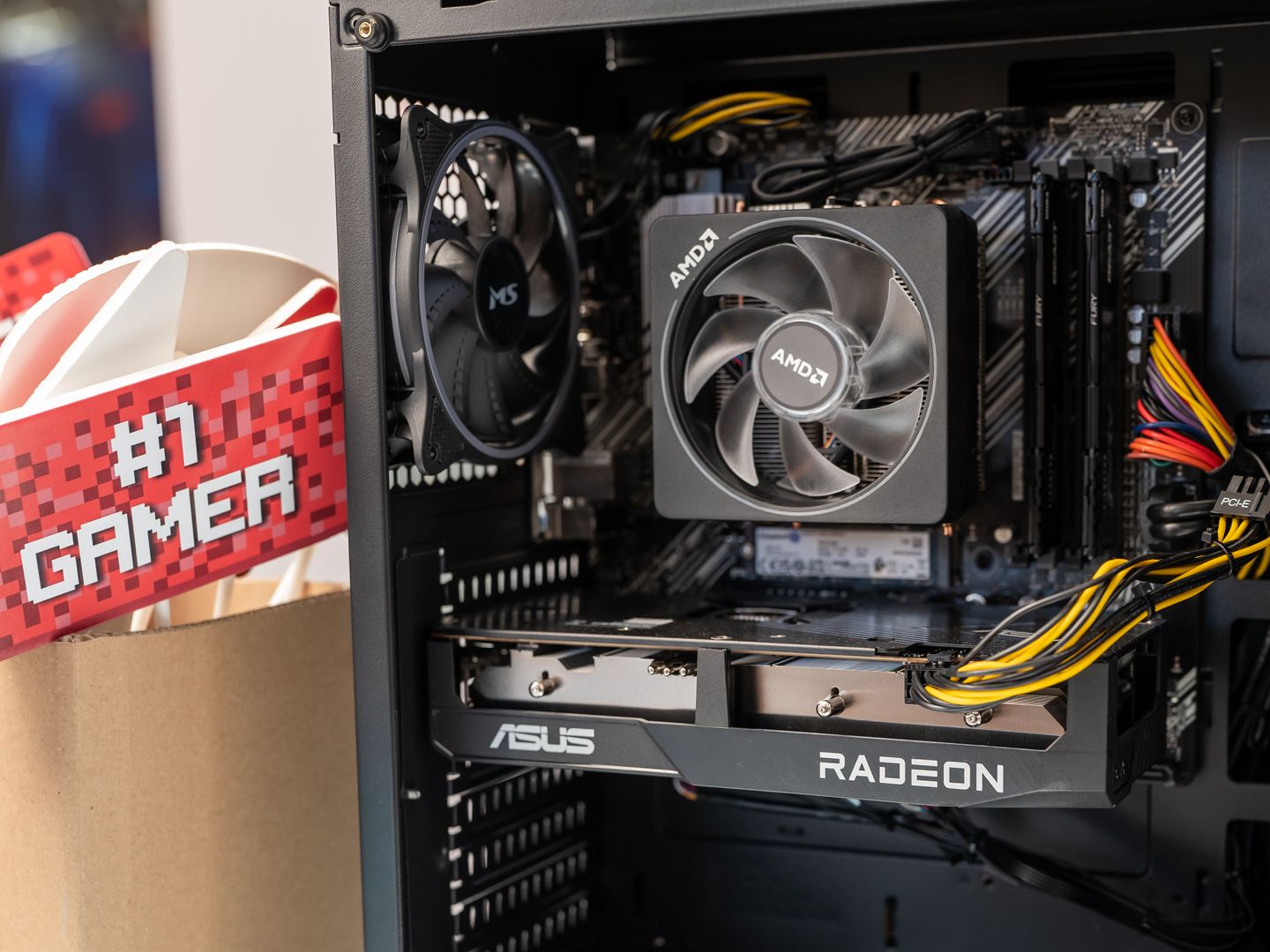
Close up of gaming computer interior with cooling fan and graphics card.

A practical comparison lens helps keep this from becoming a spec recital. Think in four categories: target resolution, VRAM comfort, power/thermals, and tuning tolerance. The RTX 5080 build is the least picky about settings at 4K but expects strong airflow and power delivery. The RX 9070 XT build is an excellent 4K value play with 16GB VRAM, but it rewards players who tweak options per game. The 285K + RTX 5070 Ti build is the best hybrid for people who create and game, but you must plan cooling. The 9600X + RX 9060 XT build wins on balanced longevity per dollar.

Building Versus Buying

Building Pros

  • Control noise, storage, and upgrade paths exactly how you want them
  • Future repairs are cheaper when you know every component
  • No corner-cutting on power supplies, airflow, or motherboard quality
  • You own compatibility checks and BIOS updates
  • Satisfaction of assembling your own performance machine

Building Cons

  • You own responsibility for compatibility checks and BIOS updates
  • Occasional «why won't it POST?» moments require troubleshooting
  • Prebuilts can be great when priced correctly
  • Initial time investment for assembly and stress testing required

Detailed Build Breakdowns

Each build explained with core spec targets, strengths, weaknesses, and who it's for

Ryzen 7 9800X3D + RTX 5080 Build

If you want a single answer that's hard to argue with, start here. The Ryzen 7 9800X3D remains one of the most game-focused CPUs you can buy, and it pairs cleanly with the GeForce RTX 5080 for 1440p high-refresh and legitimately comfortable 4K. The RTX 5080 class also tends to be the sweet spot where ray tracing is playable without instantly forcing compromises, especially when DLSS features are on the table.

Core spec targets include 32GB DDR5 in two 16GB sticks, a 2TB NVMe SSD, a quality 850W PSU, and a strong air cooler or 240mm AIO. Platform pick should be AM5 with a modern X870E or X870 motherboard if you want newer connectivity and a straightforward upgrade runway. Strengths are premium 4K capability, excellent feel in CPU-heavy games, and strong headroom for future GPUs.

Weaknesses are substantial cost, RTX 5080 power and case airflow requirements are real, and you're paying for performance you might not notice at 1080p. This build is for competitive players on 240Hz+ 1440p panels, single-player lovers who crank ray tracing, and anyone who wants a flagship experience without stepping into the truly excessive RTX 5090 tier which can demand extreme power and cooling planning.

// table

Build Comparison at a Glance

Build Name Target Resolution VRAM PSU
Ryzen 7 9800X3D + RTX 5080 4K / 1440p 24GB 850W
Ryzen 7 9800X3D + RX 9070 XT 4K 16GB 750W
Core Ultra 9 285K + RTX 5070 Ti 1440p / 4K 16GB 850W
Ryzen 5 9600X + RX 9060 XT 1080p / 1440p 16GB 650W

All builds assume 32GB DDR5 RAM and 2TB NVMe SSD minimum; cooling and case airflow requirements vary by platform.

Final Recommendation

Pick the build that matches your monitor and your patience. If you want the least friction and the most performance headroom, the Ryzen 7 9800X3D + RTX 5080 build is the cleanest best gaming PC answer. If value is your north star and you still want real 4K ambitions, the Ryzen 7 9800X3D + RX 9070 XT build is hard to ignore. And if you're trying to be smart with money in 2026, don't apologize for the Ryzen 5 9600X + RX 9060 XT build—it's the kind of rig that keeps feeling good long after the first hardware news cycle moves on.

Browse Hardware Guides
Disclaimer Component pricing and availability shift constantly, so treat any build as a target profile, not a shopping cart snapshot. Match the GPU tier first, then choose the platform that fits your upgrade plans, then buy the quietest, most reliable PSU and case you can justify—because stability is the most underrated performance feature on the planet.

Build Process and Stability Tips

Build process matters almost as much as the parts list. A reliable first boot to stable daily driver usually follows the same order: first, assemble the core system outside the case if you're new, which makes troubleshooting easier. Second, update BIOS or UEFI early, especially on fresh AM5 or LGA1851 boards, because chipset compatibility can make or break initial stability. Third, install Windows and chipset/GPU drivers. Fourth, validate stability with a few hours of stress tests plus real games. Fifth, only then start performance tuning—EXPO/XMP for RAM, fan curves, and mild undervolting if you're chasing quieter thermals.