Skip to content

Best Graphics Cards Guide

mm Alex Torres 9 min read

Shopping for GPUs in 2026

Reviewed by Alex Torres Updated

Key Takeaways

  • Stop treating «faster» as a single axis — match GPU to your actual resolution and game types (esports vs 4K RT).
  • VRAM matters more in 2026: 16GB is the comfortable zone for high settings; 8GB is restrictive outside competitive gaming.
  • RTX 5080, RX 9070 XT, and RTX 5070 Ti form the practical battleground where money turns into visible smoothness.
  • RTX 5090 demands serious build planning (575W TGP, 1000W PSU guideline, case airflow) — buy only when building around it.
  • Budget picks like Arc B580 (12GB, $249) offer modern features without 8GB VRAM frustration for 1080p and entry 1440p.
  • For esports titles like CS2, CPU and system tuning can bottleneck before the GPU — don't overbuy blindly for high refresh.

The 2026 GPU Landscape

Here's the clean shortlist most people should start with. If you're chasing the absolute ceiling, the GeForce RTX 5090 is the «no apologies» option: 32GB of GDDR7 on a 512-bit bus and a massive 575W total graphics power rating, plus Blackwell's newest RT/Tensor hardware. If you want a top-tier card that's still a little more sane to build around, the GeForce RTX 5080's 16GB of GDDR7 and 256-bit memory interface has become the practical high-end sweet spot.

On the AMD side, the Radeon RX 9070 XT remains the value brawler in the upper-midrange—16GB GDDR6, a 256-bit bus, and a 304W TBP at an original $599 SEP—while Intel's Arc B580 is still the budget disruptor with 12GB GDDR6, a 192-bit interface, and 456 GB/s memory bandwidth at a $249 launch price.

The ranked picks cover almost every gaming rig you'll see in the wild right now. NVIDIA GeForce RTX 5090 is best for no-compromise 4K with ray tracing headroom plus serious creator capability, though it's power-hungry (575W) and rarely the most rational dollars-per-frame choice. GeForce RTX 5080 delivers high-end balance with 10,752 CUDA cores and 16GB of GDDR7 on a 256-bit bus — the high-end card that still makes sense for «normal» enthusiast builds.

AMD Radeon RX 9070 XT hits the practical sweet spot at 1440p: 16GB VRAM, strong 1440p performance, and a 304W TBP that's easier to cool than top-end monsters. The trade-off is feature preference—if you're all-in on NVIDIA's DLSS ecosystem or certain creator pipelines, RTX can still be the smoother ride. NVIDIA GeForce RTX 5070 Ti is the card for players who want 1440p high refresh, solid ray tracing, and a modern frame-generation stack without moving into true high-end pricing.

AMD Radeon RX 9070 remains a clean step down that still keeps the all-important 16GB VRAM and a 256-bit bus, with a 220W TBP and a $549 SEP in its original positioning. In the midrange, memory capacity can matter more than small core-count differences. NVIDIA positioned the RTX 5060 Ti 16GB at a $429 MSRP, and for modern texture-heavy games the 16GB model is the one worth considering for longevity.

AMD's RX 9060 XT came in two memory configurations, with an 8GB SEP of $299 and a 16GB SEP of $349. In 2026, the 16GB version is the smarter «buy once, cry less» play for 1080p and entry 1440p builds—especially if you keep cards longer than one upgrade cycle. The B580 remains the most interesting budget card when you want modern features without getting trapped in 8GB VRAM frustration, trading some consistency in older titles and the occasional driver oddity for a lot of memory and a very friendly launch price.


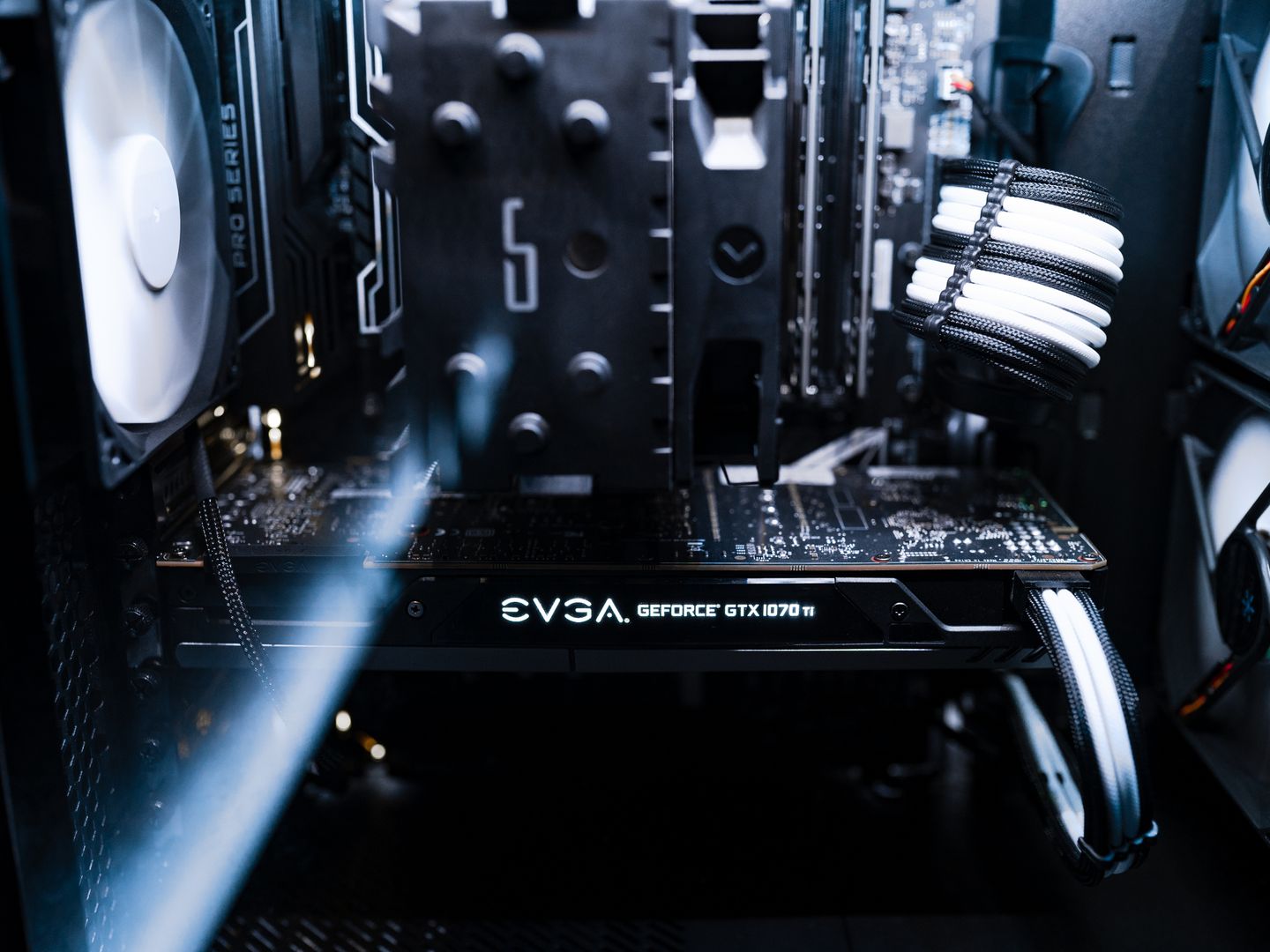
High-end graphics card cooling system close-up
NVIDIA RTX 5090 dominates 4K with 32GB GDDR7 and 575W TGP

Esports Performance Reality

Why CS2 and competitive gaming demand a different GPU strategy than 4K cinematic showcases

Three GPU Tiers Explained

Most 2026 builds fall into three performance tiers, each with distinct use cases and value propositions. Choose based on your monitor resolution, game library, and whether you prioritize competitive refresh rates or cinematic visuals.

High-End Powerhouse

The RTX 5090 and RTX 5080 tier is for 4K max settings with ray tracing headroom and serious creator workloads. These cards demand strong PSU planning (1000W system power for 5090), robust case airflow, and careful thermal management for sustained sessions. The 5090's 32GB GDDR7 on a 512-bit bus delivers the absolute ceiling, while the 5080's 16GB and 256-bit interface offer high-end balance without turning your system into a space heater. Pricing swings wildly by board partner, and 16GB can become the limiting factor in certain maxed-out texture scenarios over the long term.

Midrange Sweet Spot

The RX 9070 XT, RTX 5070 Ti, and RX 9070 tier represents the practical battleground where your money turns into visible smoothness. These cards excel at 1440p high refresh with solid ray tracing and modern frame-generation stacks. The RX 9070 XT hits $599 with 16GB VRAM and a 304W TBP that's dramatically easier to live with than top-end monsters. The RTX 5070 Ti delivers 1440p «everything» performance without true high-end pricing. For most players who want smooth 1440p and don't need to brute-force 4K with every slider pinned, this tier offers the best value per frame.

Budget Value Play

The RTX 5060 Ti 16GB, RX 9060 XT 16GB, and Arc B580 tier focuses on 1080p and entry 1440p builds where memory capacity matters more than small core-count differences. The B580's 12GB GDDR6 at $249 remains the most interesting budget option for modern features without 8GB VRAM frustration, though you trade some consistency in older titles and occasional driver quirks. AMD's RX 9060 XT 16GB at $349 is the smarter «buy once, cry less» play for players who keep cards longer than one upgrade cycle. In this tier, prioritize VRAM and modern codec support over bragging rights.

Five-Step GPU Buying Filter

A simple five-step filter keeps you from making the classic mistakes. Follow this checklist to match your build to the GPU tier that actually delivers value for your gaming setup and budget constraints.

  1. Match the GPU to your monitor: 1080p high refresh, 1440p high refresh, or 4K
  2. Choose a VRAM floor that fits 2026 reality—16GB is comfortable for high settings, 8GB is restrictive outside competitive
  3. Decide how much you care about ray tracing and frame generation (DLSS vs FSR vs XeSS)
  4. Confirm your power supply and case clearance before falling in love with a particular cooler design
  5. Check your local pricing—the «best» GPU on paper can become a bad buy when availability and partner markups get weird
  6. Buy for the games you grind every week, not the tech demos you launch once
  7. Prioritize reputable sellers and models with solid cooling over flashy factory overclocks
  8. If buying used, ask for original purchase info and confirm exact model number with proof under load
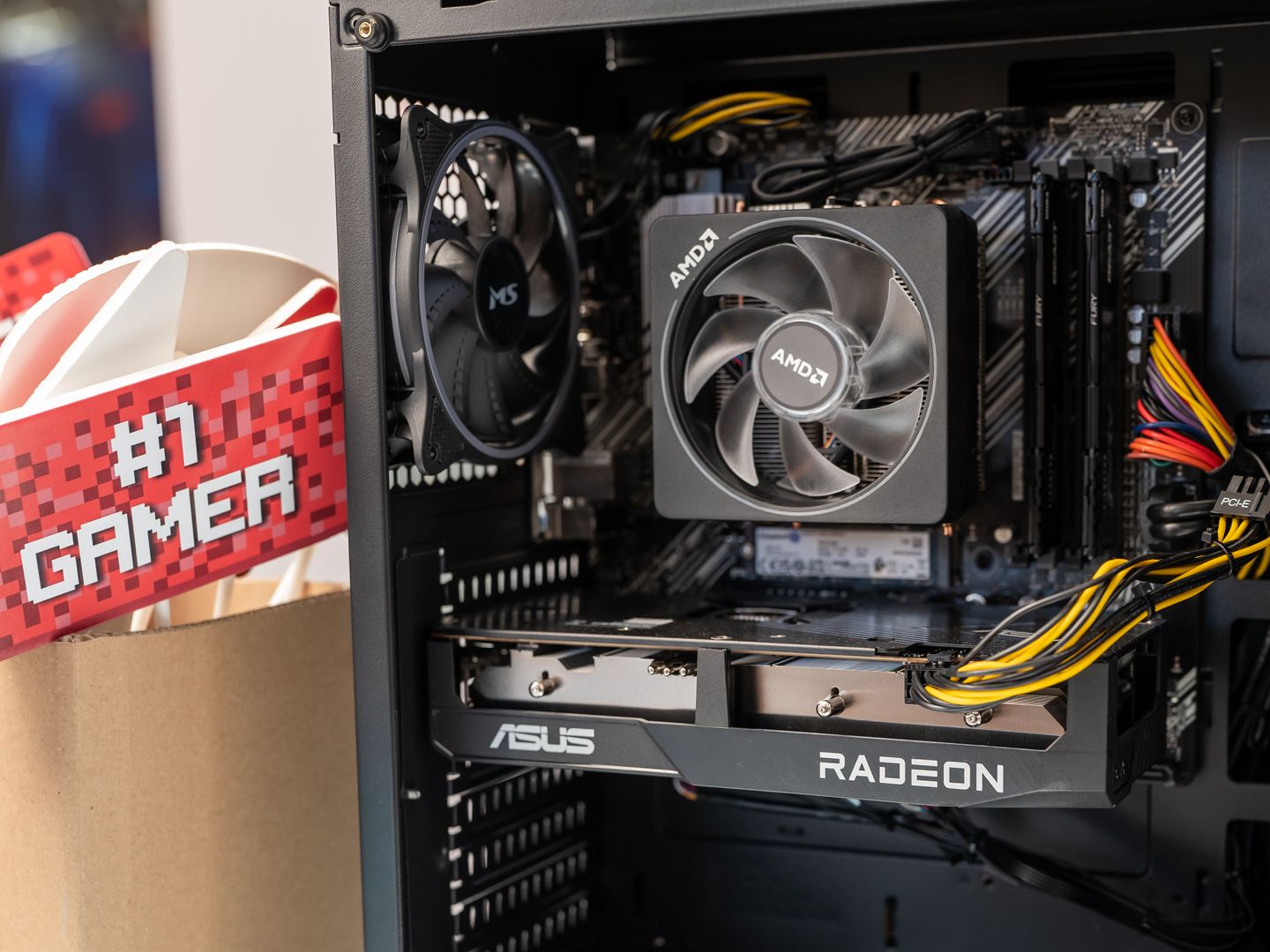
Detailed view of a contemporary gaming computer's components and cooling system.

Power and thermals are the tax you pay for top-end performance, and this is where many first-time high-end buyers get burned. The RTX 5090's 575W TGP is not a rounding error—it's a build decision. Plan for a quality PSU (NVIDIA lists a 1000W required system power guideline for certain configurations), a case that actually breathes, and a cooling setup that can sustain long sessions without turning your system into a space heater.

// table

Quick GPU Comparison

GPU Best for VRAM / Memory Power
GeForce RTX 5090 4K max + creator 32GB GDDR7, 512-bit 575W
GeForce RTX 5080 High-end 4K and 1440p RT 16GB GDDR7, 256-bit Varies
Radeon RX 9070 XT 1440p ultra / value 16GB GDDR6, 256-bit 304W
Intel Arc B580 Budget 1080p/1440p 12GB GDDR6, 192-bit 190W

All specifications based on original launch configurations; partner models may vary in power targets and memory clocks.

Esports and CS2 Specifics

Where this gets real is esports. If you mostly live in Counter-Strike 2, Valorant-style settings discipline still applies: you're chasing clarity, low latency, and stable frame pacing more than cinematic visuals. That's why «gaming benchmarks across graphics cards» in CS2 often show diminishing returns once you're already pushing high refresh—CPU, memory, and system tuning can bottleneck before the GPU does.

As of July 2026, the cs2 update patch notes cadence has continued to matter for performance testing: for example, Valve's July 20, 2026 update included gameplay changes like bomb damage health preview behavior and new interactions between the bomb explosion and smoke/molo/incendiary effects, and those kinds of updates can subtly shift test consistency if you're comparing frame time captures across patches.

CS2 is also a perfect example of why you shouldn't overbuy blindly. Premier Season Five went live in early July 2026, bringing map pool changes (including Cache returning to Active Duty) and the usual competitive reset vibes. If you're doing your own cs2 season update patch notes tracking to benchmark between seasons, lock your test routine: same map, same replay/demo, same driver, same settings, same background apps.

Then spend money where it moves the needle. A player on a 1080p/240Hz monitor can be thrilled with a 5060 Ti 16GB, a 9060 XT 16GB, or an Arc B580—while someone on 1440p/360Hz who also plays heavier single-player games will actually feel the jump to a 5070 Ti, 9070 XT, or 5080.

If you're hunting cheap graphics card deals, think like an adult—not like a panic-scroller. Start by deciding your target tier (for example: «9070 XT / 5070 Ti class») and only then watch prices. Prioritize reputable sellers and models with solid cooling over flashy factory overclocks.

If you're buying used, ask for original purchase info (for warranty transfer where applicable), confirm the exact model number, and don't accept vague «works great» listings without proof under load. The best deal is the one that doesn't become a troubleshooting hobby.

Graphics cards comparison shot different models
Multiple GPUs showing different cooling solutions and power connectors

Find Your Perfect GPU

Answer two quick questions to match your gaming setup with the right GPU tier

What resolution and refresh rate are you targeting?
What's your budget range for the GPU alone?

All Options

  • Intel Arc B580

    Best budget pick with 12GB GDDR6 for 1080p and entry 1440p without 8GB VRAM frustration

  • AMD Radeon RX 9060 XT 16GB

    Smarter buy-once option for 1080p and entry 1440p with 16GB longevity at $349 SEP

  • AMD Radeon RX 9070 XT

    Practical 1440p sweet spot with 16GB VRAM, 304W TBP, and strong value at original $599 SEP

  • NVIDIA GeForce RTX 5080

    High-end balance for 4K and 1440p RT with 16GB GDDR7 on 256-bit bus, easier to build around than 5090

Disclosure This site may earn a commission from affiliate links to retailers at no extra cost to you. All product recommendations are based on editorial testing and real-world performance priorities, not sponsorship.