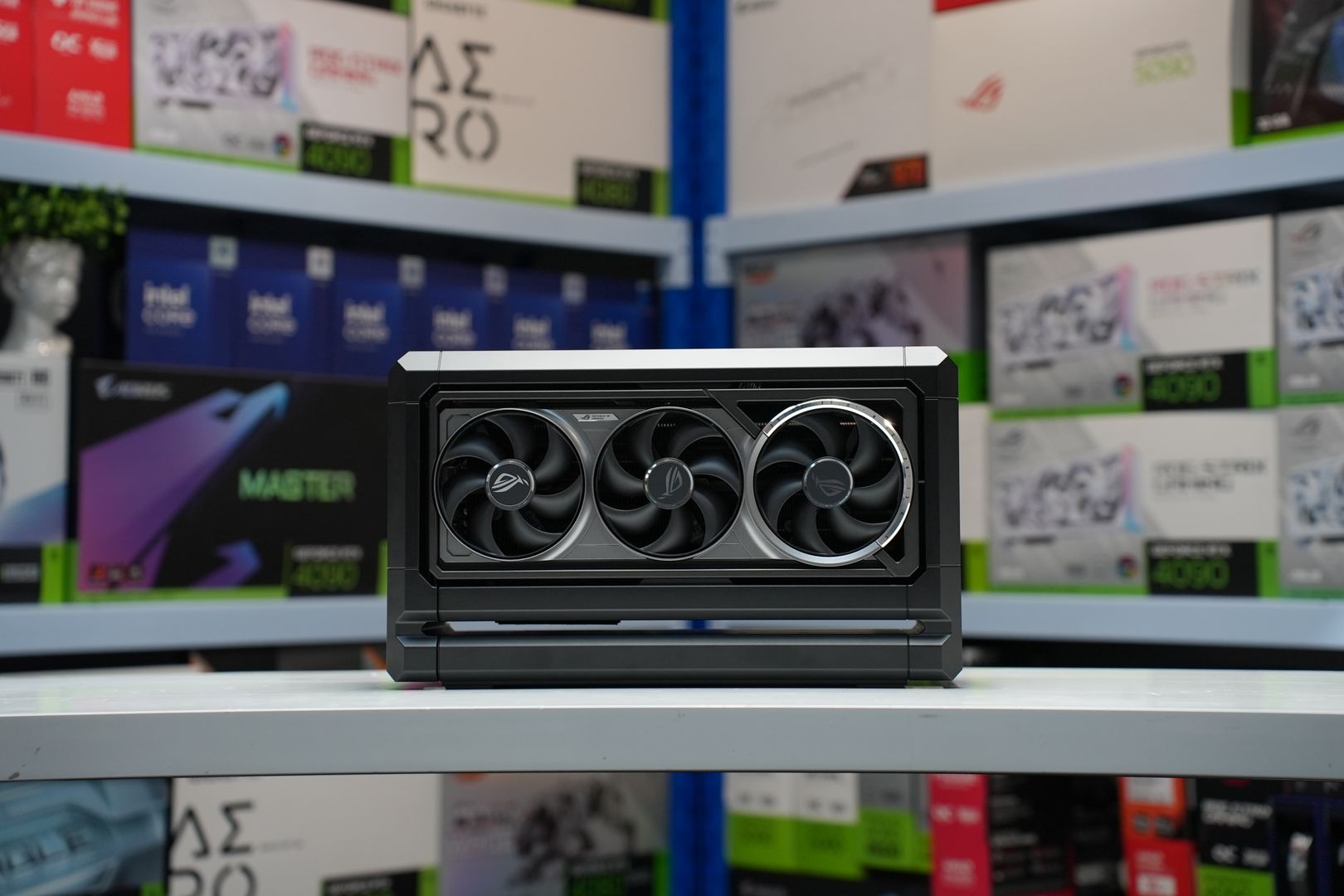
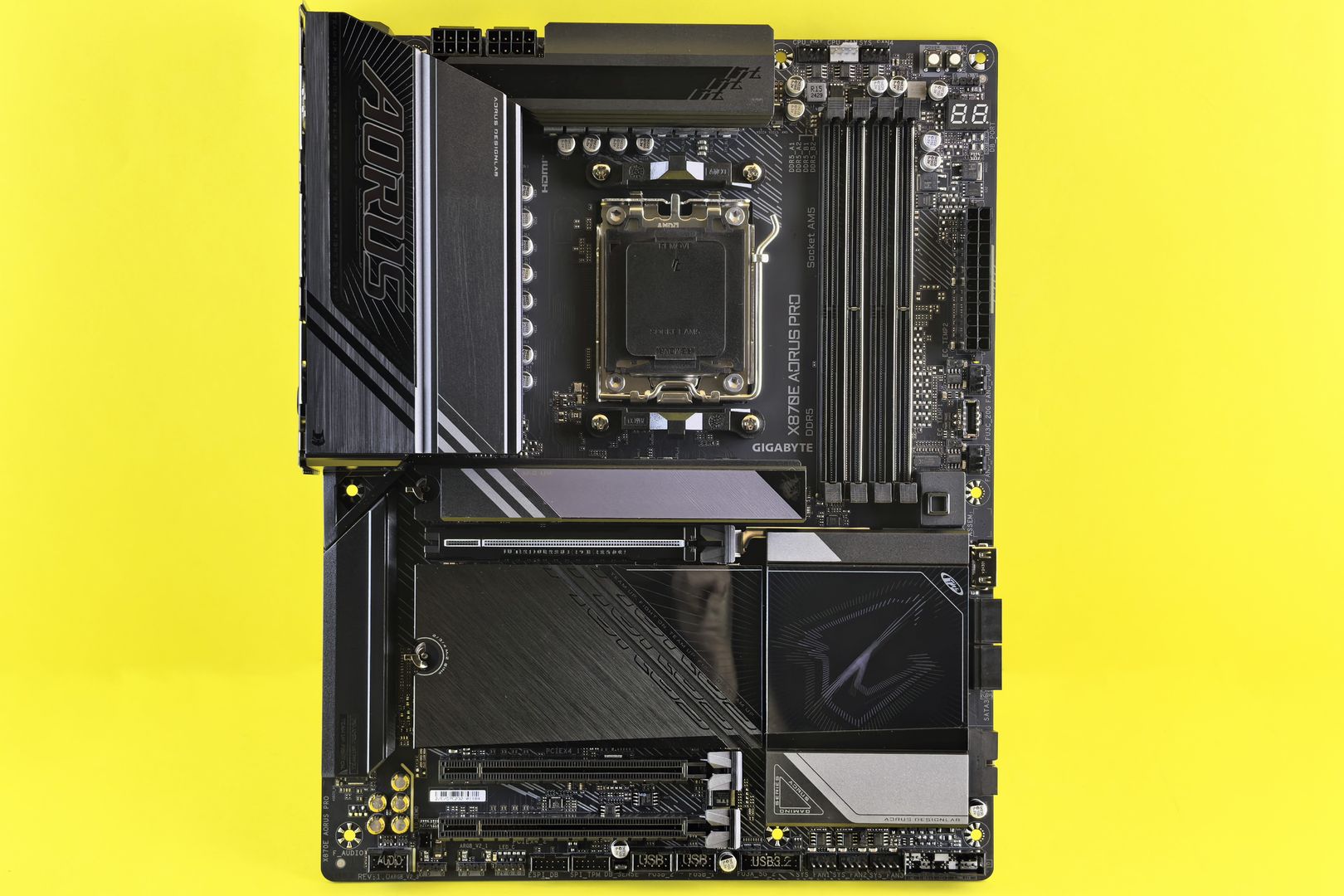
Start by building a personal PC games system requirements list that you can reuse for every purchase. It's not a spreadsheet for its own sake; it's a way to stop being surprised at checkout.
At minimum, track OS version, CPU model, GPU model, VRAM amount, system RAM, storage type—whether HDD, SATA SSD, or NVMe SSD—and free space, display resolution and refresh rate, and whether you rely on features like ray tracing, frame generation, or a specific controller.
Having this inventory means you can compare your system to any requirement sheet in under a minute. You'll immediately see whether you meet the baseline, where your bottlenecks are, and which settings tweaks or upgrades would actually matter.
This list evolves slowly—CPU and GPU change every few years, RAM and storage when you upgrade, display when you invest in a new monitor. Update it once and keep it accessible whenever you shop for a new game.
The fastest reliable way to translate a requirement sheet into an honest expectation involves five stages you can run in under five minutes.
First, lock your target: for example, 1080p at 120 fps in competitive modes, or 1440p at 60 fps with high settings. Second, identify the game's likely bottleneck from genre and engine—large city sims and open worlds pressure CPU and streaming; cinematic ray tracing showcases lean hard on GPU and VRAM.
Third, compare the developer's listed GPU and CPU to yours by tier, not by brand loyalty. A recommended RTX 2060 is about class, not the logo. Fourth, check for hard gates: OS requirement, DirectX or Vulkan requirement, SSD requirement, and any must-have features called out.
Fifth, plan the compromise: lower settings, use upscaling, cap frame rate, or accept a targeted upgrade. Requirements are the starting line, not the finish—read them like a contract, then play like you benchmark.